
 Dinky
Dinky The itch
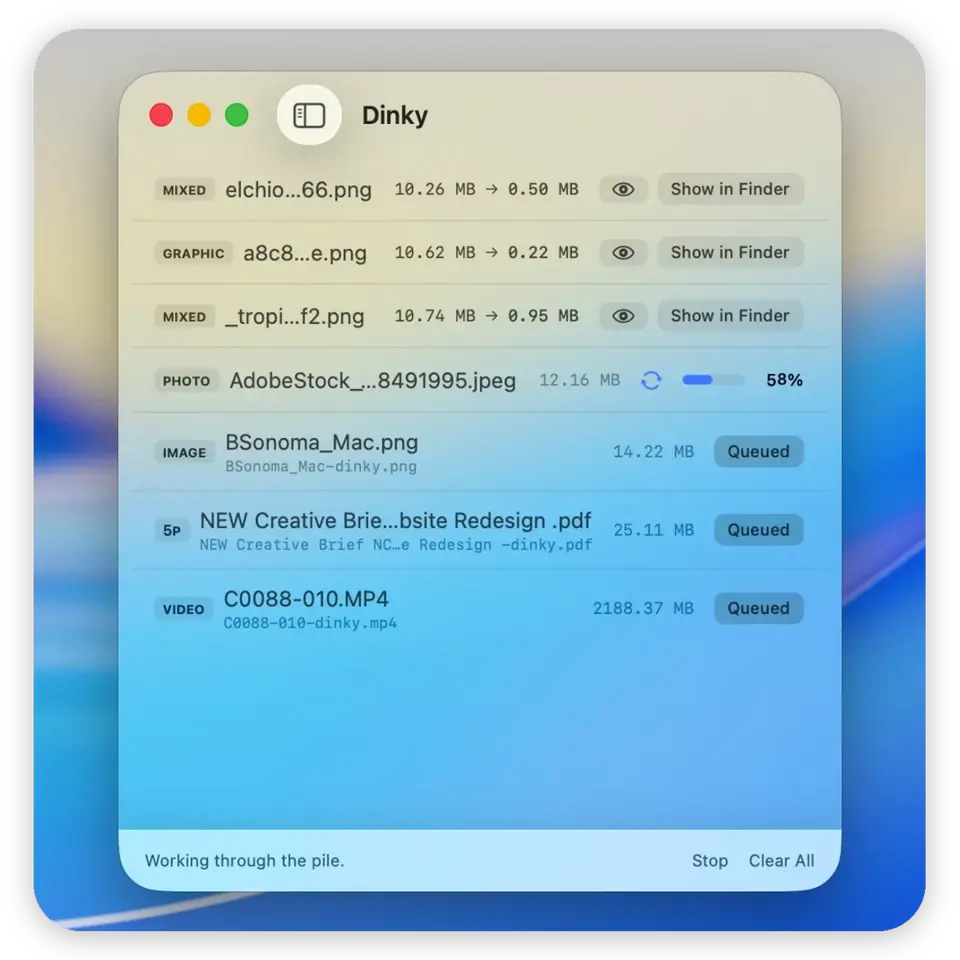
The compressor I’d used for years kept crashing, so I built the tool I actually wanted: drag files onto the window, the Dock, or a watched folder—smaller copies land where you expect. Images, videos, and PDFs, with honest format choices (WebP, AVIF, HEIC, lossless PNG for stills; MP4 presets for video; flatten-or-preserve for PDFs). Free and open source.
Honest by design
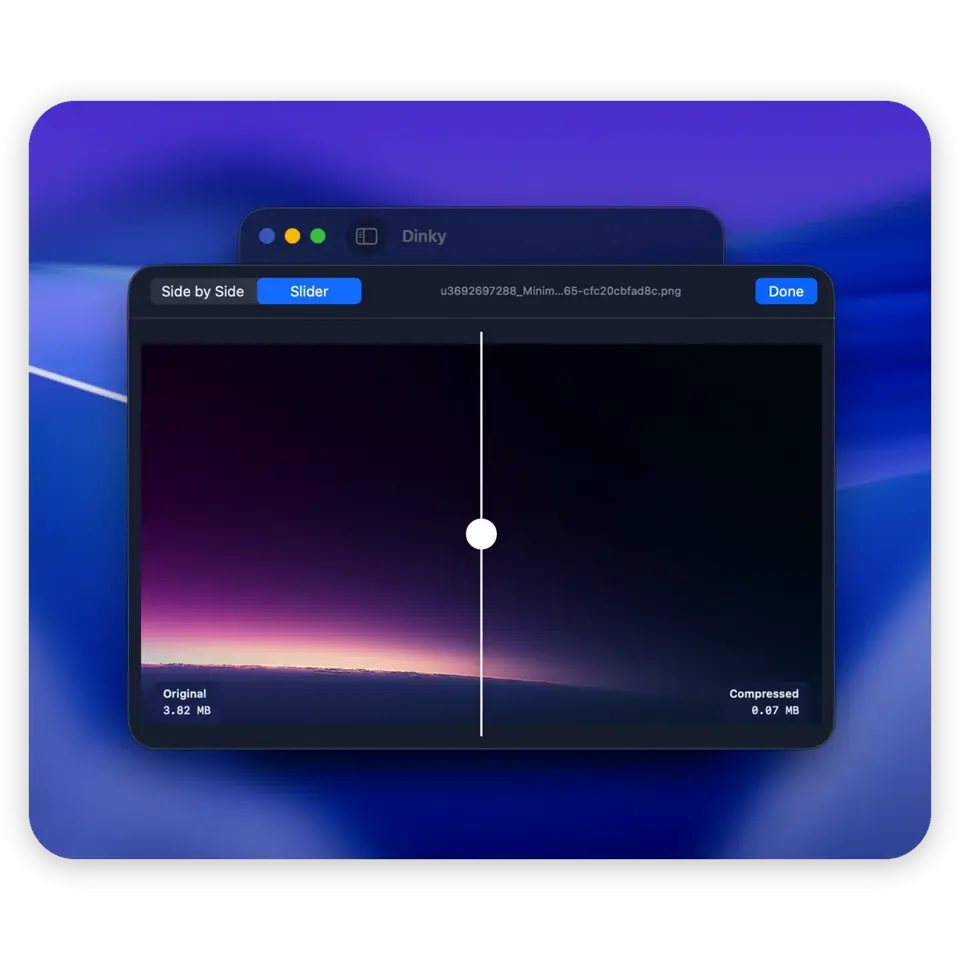
Compression tools love magic numbers. Dinky shows its work instead: format and quality choices that mean something, presets that say exactly what you’re trading, and results you can undo file by file. Watch folders take it hands-off: drop files in, Dinky handles them without the app open in front of you.
Casual and pro
The goal was to feel friendly for someone who just wants smaller files—and deep enough for someone who lives in presets. A “Websites” preset can lock WebP, max width, and H.264 in one place; the sidebar can stay simple or show every media type. Same app, two tempos.
Traction
I shipped it, shared it, and let real use decide what it became. The GitHub repo grew past 400 stars; people wanted it via Homebrew, so it installs with brew install --cask dinky; PRs and user replies steered it from an image compressor into a full file-compression app. It’s paused now—stable, useful, and done being urgent.
Tools & process
Swift
Native macOS app (primary codebase per the repo); dinkyfiles.com marketing and comparisons are HTML/CSS, with Python for small automation in the project.
Design & shipping
Product UX, copy, and release flow; distribution via GitHub Releases and Homebrew (brew install --cask dinky).