
 Harvous
 The itch
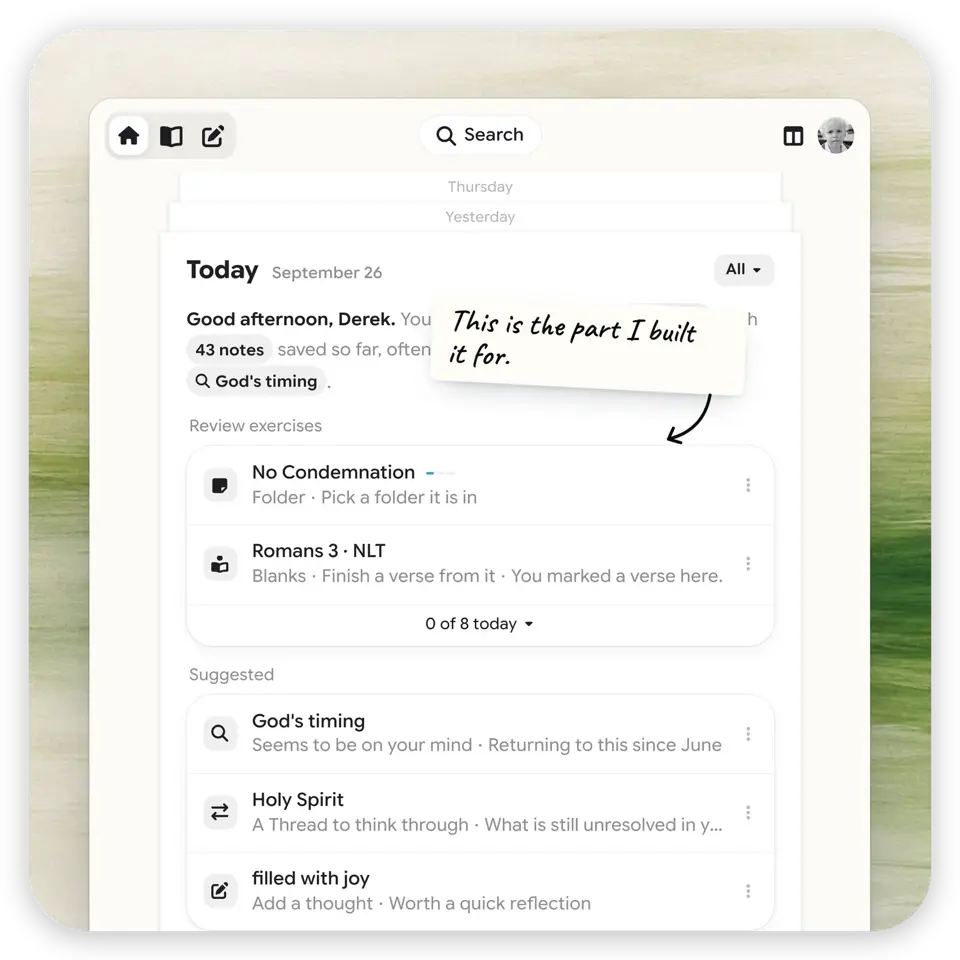
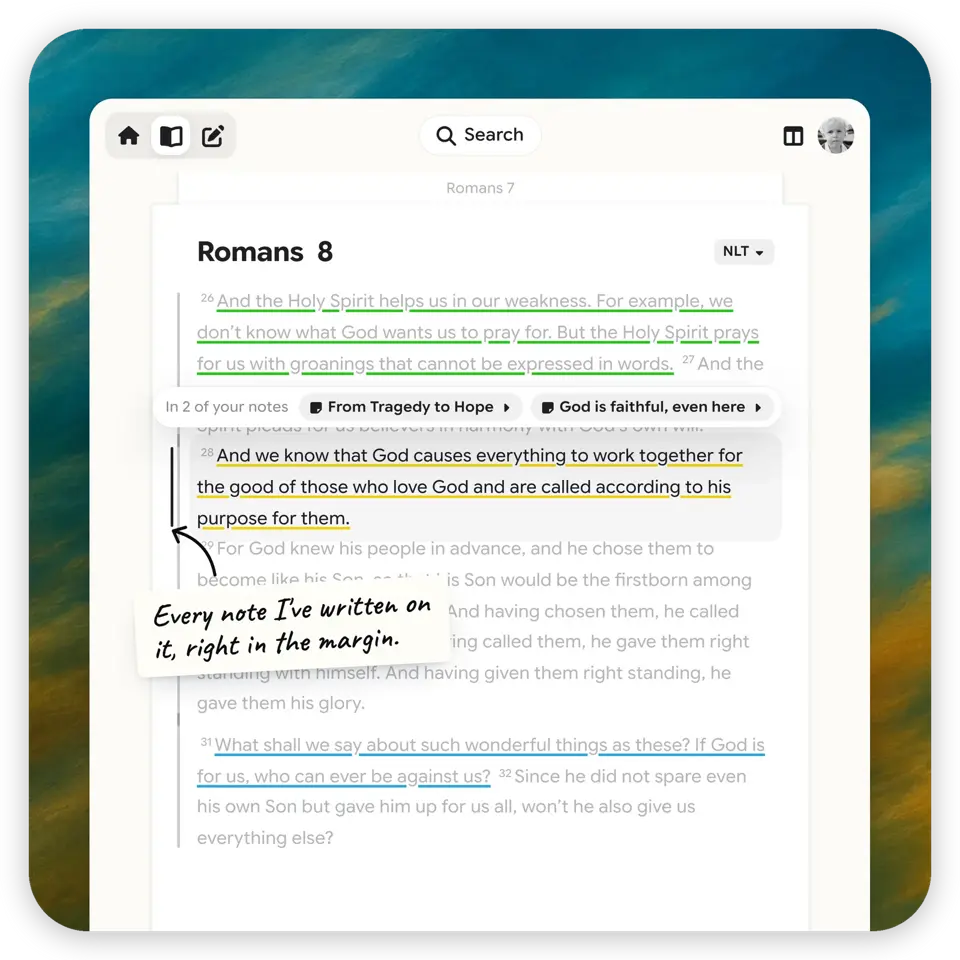
I’m making Harvous because I need to remember the Bible, better. My study was scattered—notes in Apple Notes, highlights in YouVersion, sermon thoughts on whatever was nearby—and none of it ever came back to me when I needed it. So I’m building the place where Bible study gets remembered: keep your Bible app, add Harvous. Two and a half years in, it’s live at app.harvous.com.
Finding the shape
Two years, one massive messy Figma file. V1 shipped small on purpose—no sharing, no stickers, no captures—because the core loop had to earn everything else: save a note, organize it into threads, find it again. Captures came in v1.5; sharing, stickers, and groups in v2; shared stickers in v2.5. Then real feedback said the note view had gotten heavy—tabs and chrome stacked around the thing you came for—so I redesigned it. That wasn’t a coat of paint: it took a refactor and a database migration, because the old shape had stopped serving the people using it. The small decisions got the same treatment—thread colors went through four side-by-side options before one won, onboarding through two full redesign rounds. The messy Figma file is the receipt.
The craft
The detail I sweat most: scripture should show up where you’re thinking, not a tab away. Type Romans 8:28 and the verse surfaces inline, with a translation picker (BSB, ESV, KJV, NKJV, NIV, NLT, NET) and verse-range controls right on the card. And every morning, Today’s Passage waits at the top of My Home—a small nudge that keeps the app pointed at the actual habit.
Staying close
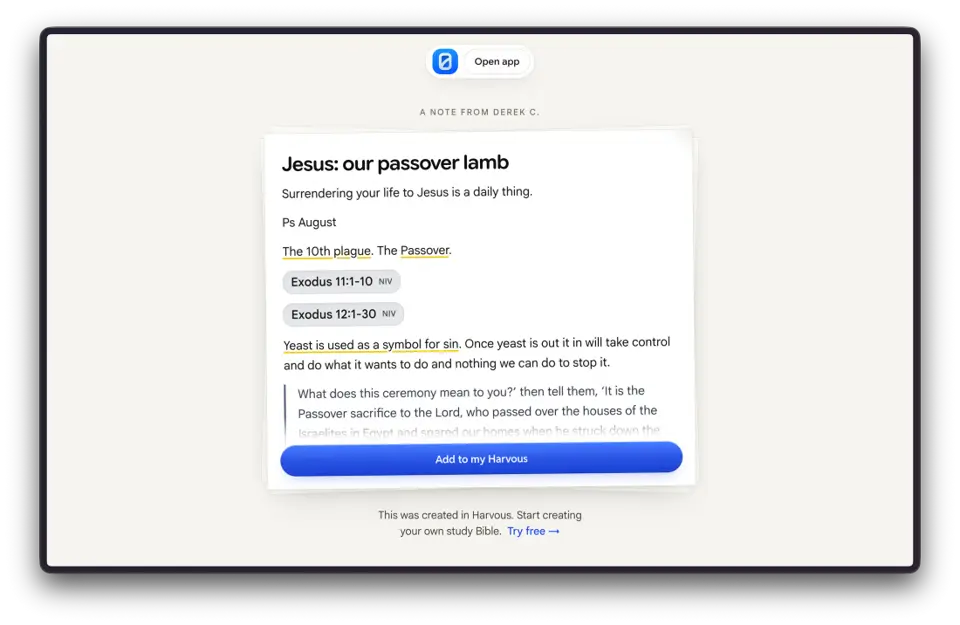
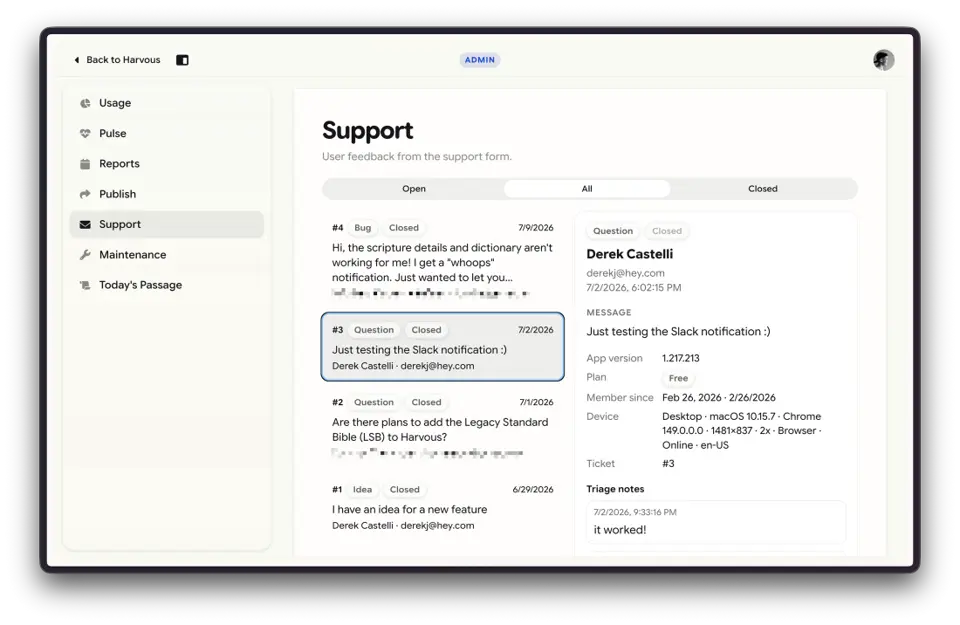
Notes are private by default—but when you want to study with others, a note, a thread, or a whole space shares with a link. Not a social network, just a link. Onboarding is written the way I’d explain it across the table. And customer support mattered enough that I built Harvous its own internal ticketing system instead of bolting on a third-party widget—staying close to the people using it is the whole point.
Where it stands
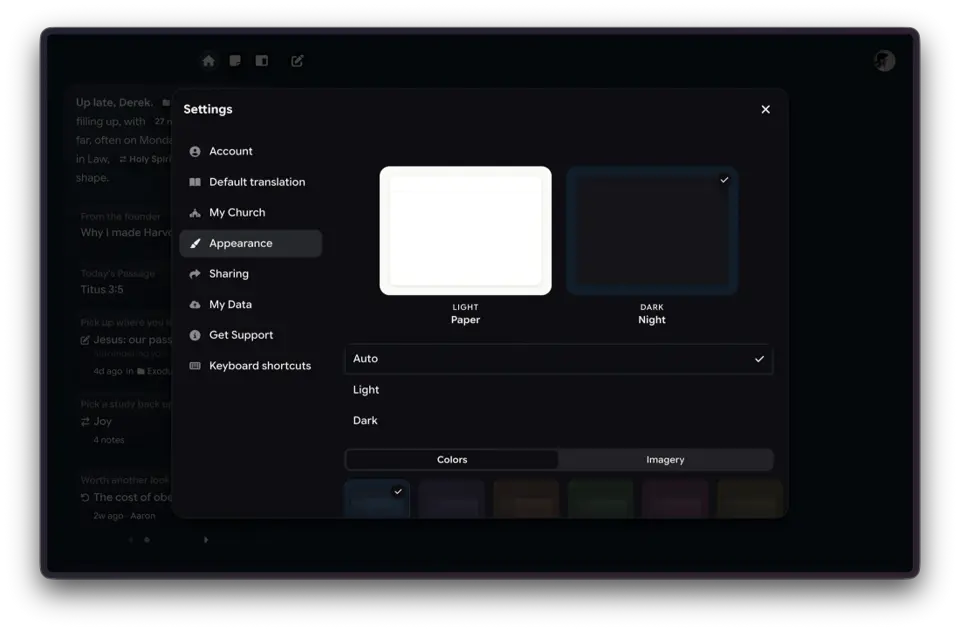
Harvous is my main focus, open source under Testament Made LLC, and free at the core. The current UI is live at app.harvous.com—chrome stripped back until the notes are the interface, with appearance that feels like your study Bible, not a generic SaaS shell. Same principle as always: app first, AI second.
Tools & process
React + Hono
React SPA for the note-centric UI; Hono handles the HTTP API that ships beside the static app as a bundled server handler in the repo.
TanStack Router & React Query
Client routing and server state that stay predictable as the surface area grows.
TipTap
Rich note editing and scripture-friendly workflows in the editor layer.
Drizzle + Supabase
Relational data model for notes, threads, spaces, and sync-friendly persistence.
Clerk
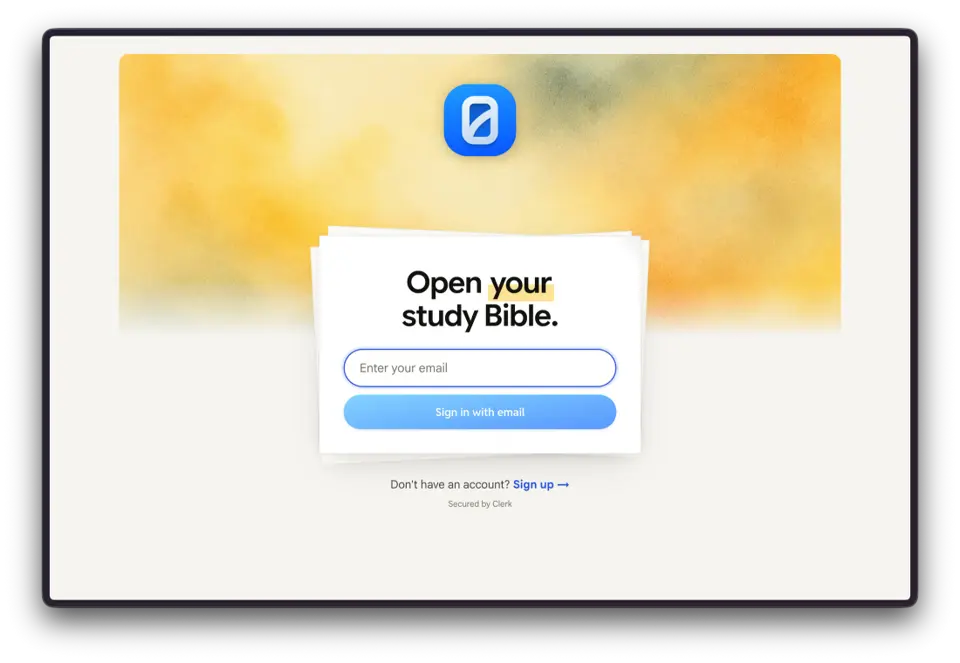
Authentication and session handling wired through the same stack as the API.
Cursor & Claude
Feature work, refactors, and exploratory implementation with human-led product decisions.
Vitest & Playwright
Unit and E2E coverage for flows worth not regressing (shared spaces, invites, etc.).
Principles
App first, AI second: opt-in assistance, suggestions not sermons, connections over generated theology (how that shows up in the product).